

Model MEP in Revit at the speed of flash.
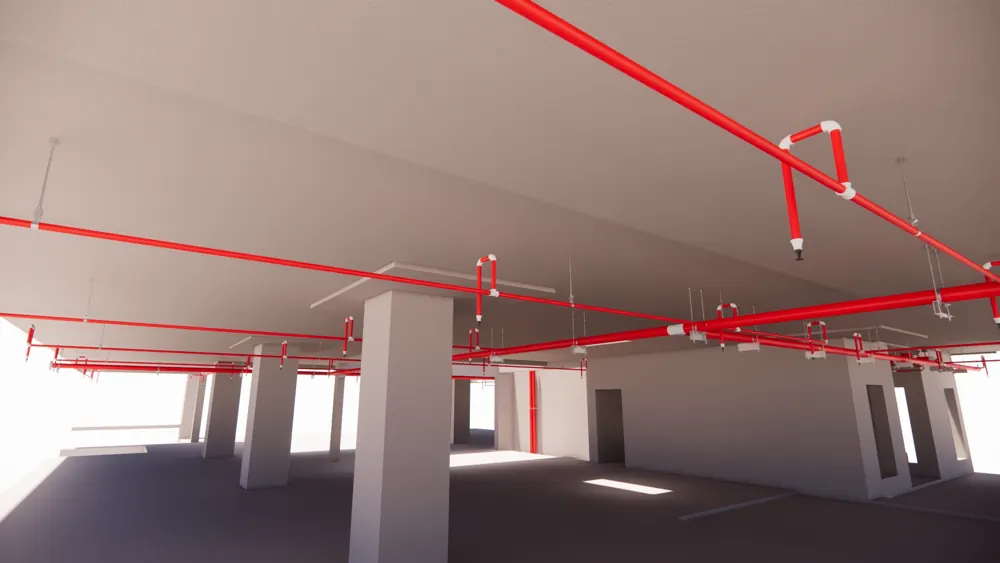
Hangers, sleeves, drainage, ducts and sprinklers placed in one click. FlashBIM add-ins handle the repetitive modeling so your team can focus on engineering.
- Revit 2019–2025
- No credit card
- Setup in 1 minute
Products
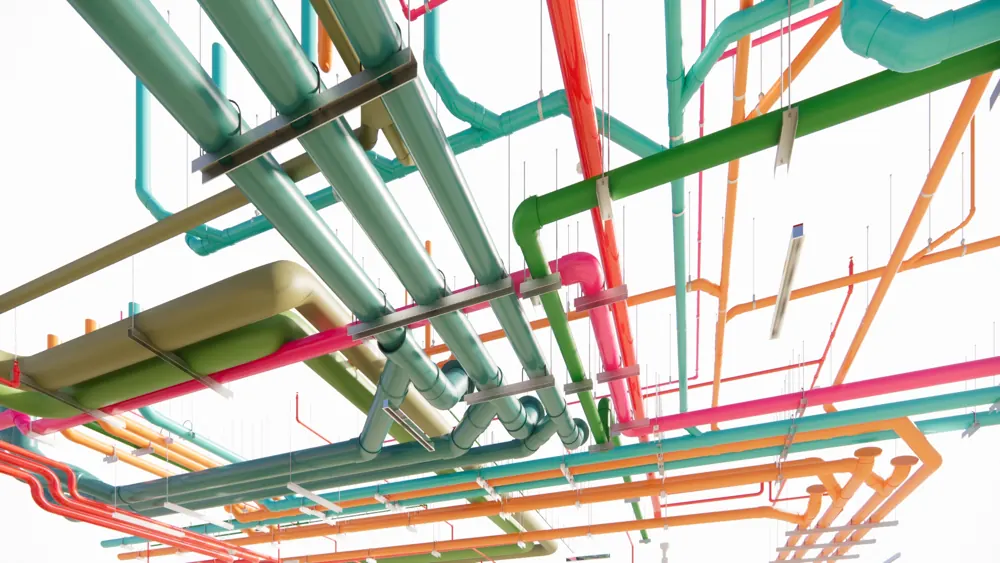
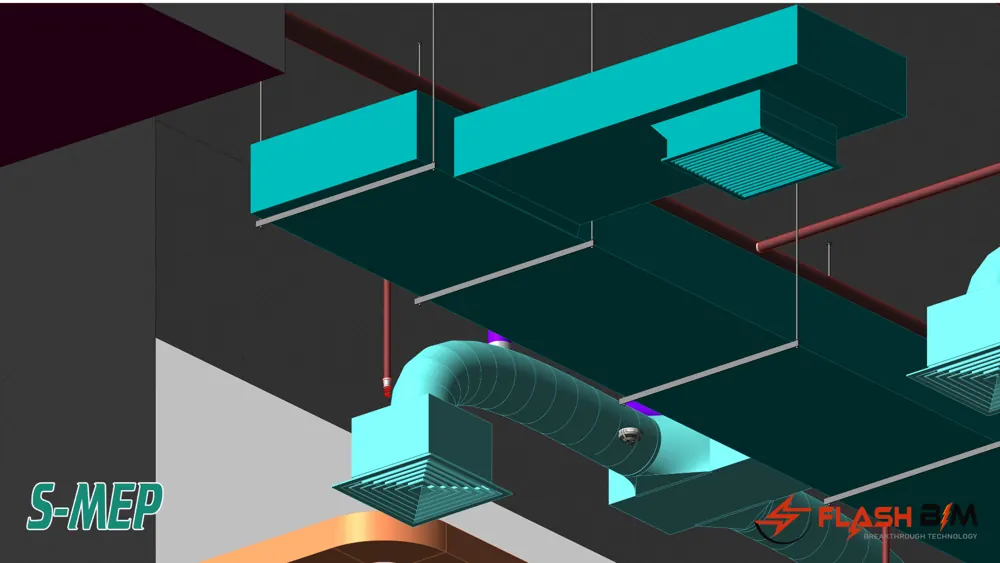
One toolkit for every MEP system
Why FlashBIM
Stop clicking. Start shipping drawings.
The same coordination model, built two ways. FlashBIM automates the repetitive steps across design, construction and operation.
Typical times on a mid-size commercial project.
Product tour
See it work inside Revit
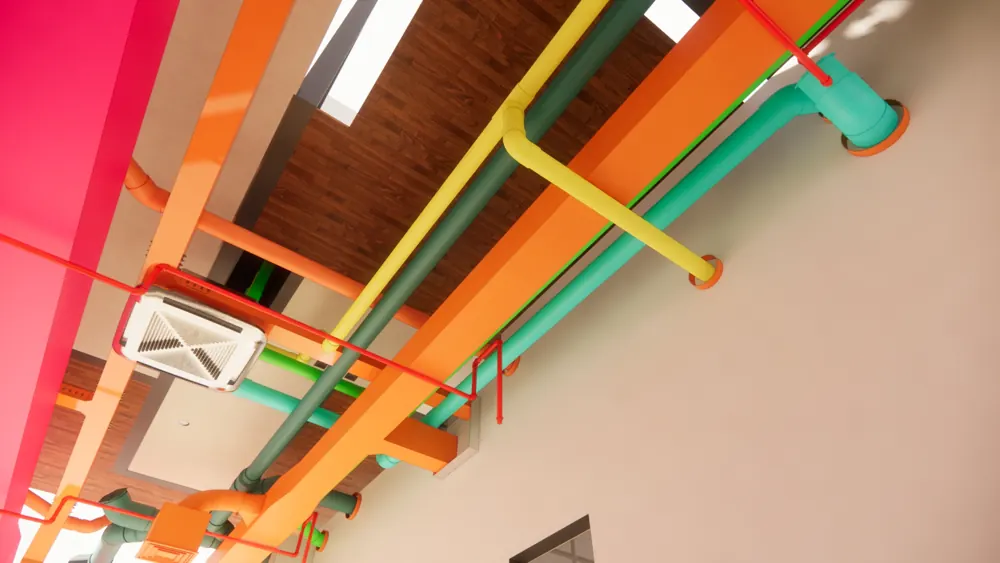
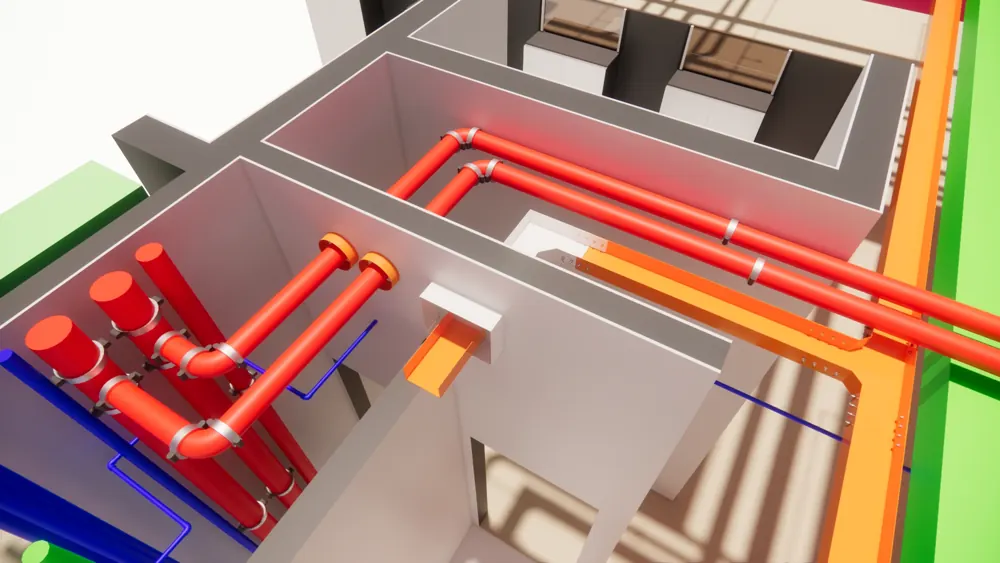
Sleeves through walls, floors and beams
MEP Sleeve finds every crossing between MEP elements and structure, then creates correctly sized sleeves and openings.
- Works across linked models
- Sizes from pipe or duct dimensions plus clearance
- Ready for coordination and shop drawings
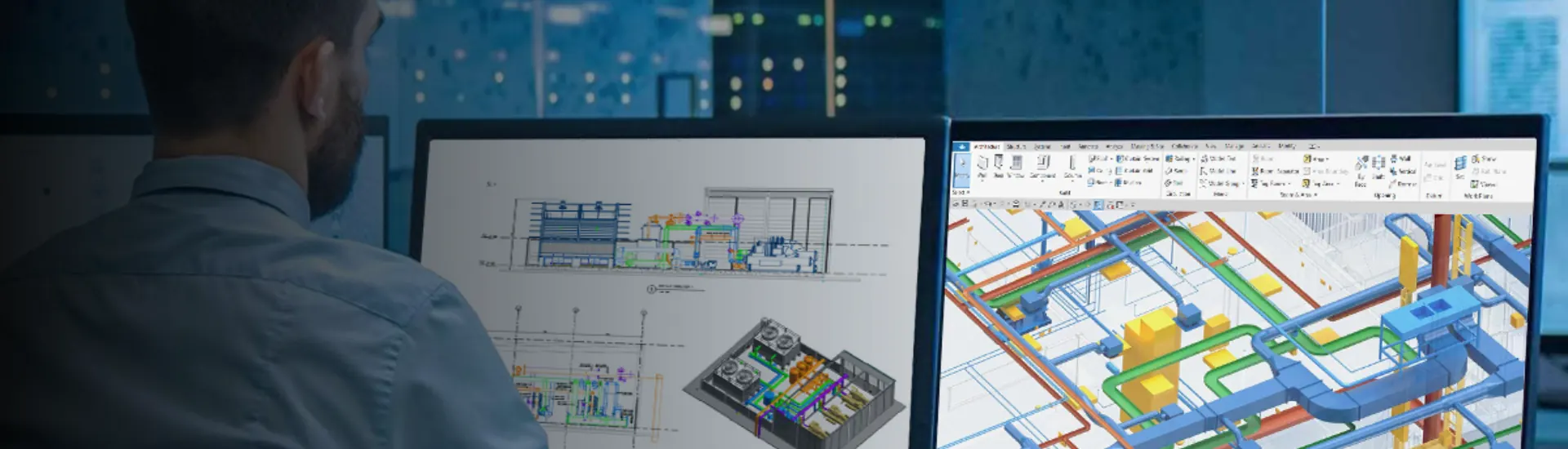
Video tutorials
Learn every tool in minutes
Step-by-step videos for each add-in on our YouTube channel.
Customers
Loved by MEP engineers
It helped me solve the problem, creating supports very quickly and accurately.
 Bradley SeckerHVAC Engineer · Speed Hanger

“I was very pleased when connecting the sprinkler heads. It was very convenient and fast.”

“It helped me deploy many times faster than doing it manually.”

“Very impressed with the Diffuser Connection tool. I can connect air terminals very quickly.”
Simple licenses. Monthly or yearly.
Each add-in is licensed per user for 6 or 12 months, with volume discounts for teams.
Questions, answered
Which Revit versions are supported?
FlashBIM add-ins support Autodesk Revit 2019 through 2025.
How does the free trial work?
Every add-in comes with a 30-day free trial with all features unlocked. No credit card is required to start.
Can I move my license to another computer?
Yes. Deactivate the license on the old computer from your account page, then sign in on the new one.
Do the add-ins work offline?
Yes. After activation the add-ins keep working offline, and only need to reconnect periodically to refresh the license.
How do I get support?
Email [email protected] or message us on WhatsApp. Video tutorials are on our YouTube channel.
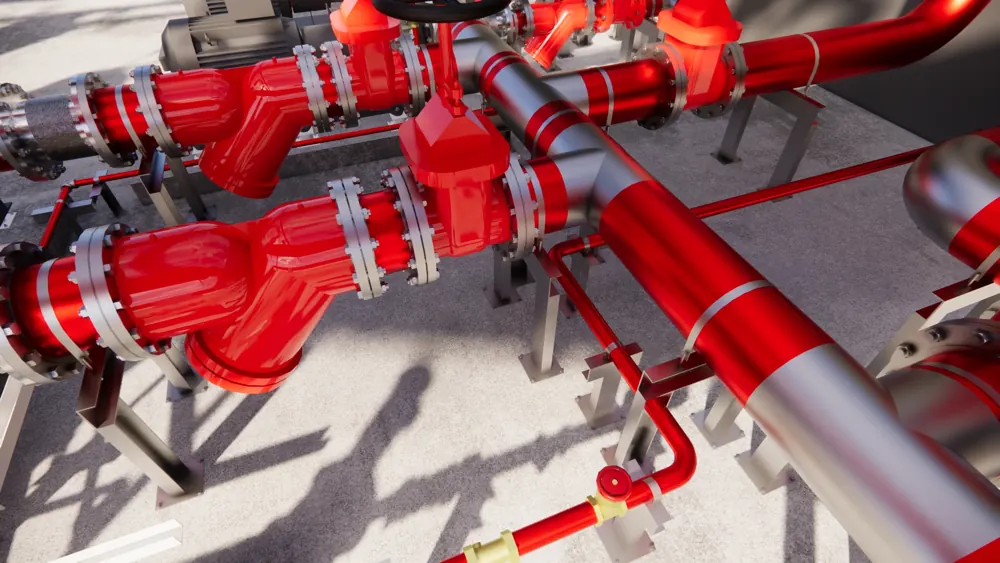
Ready to model faster?
Try any FlashBIM add-in free for 30 days in your own Revit projects.