
S-MEP
The fast lane across disciplines.
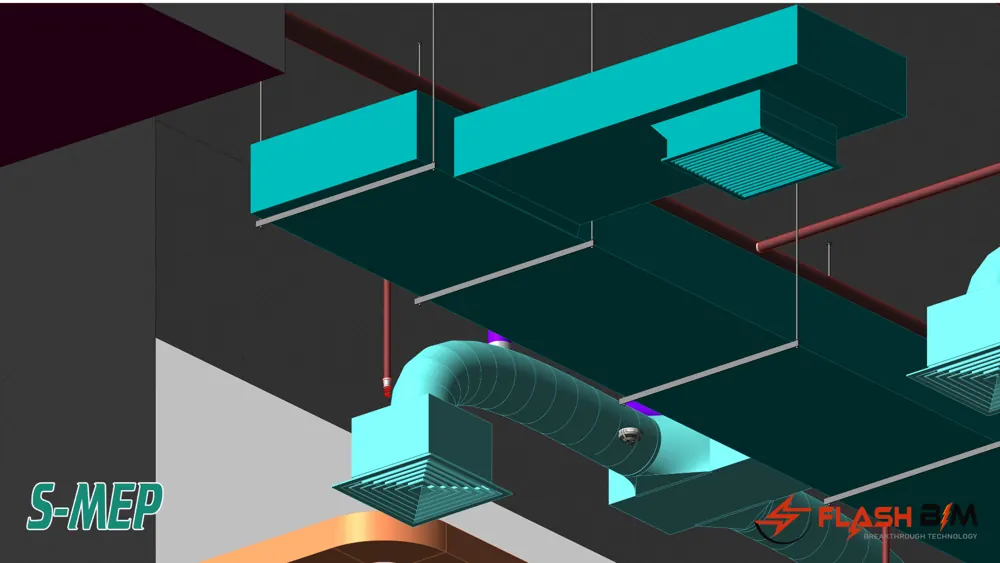
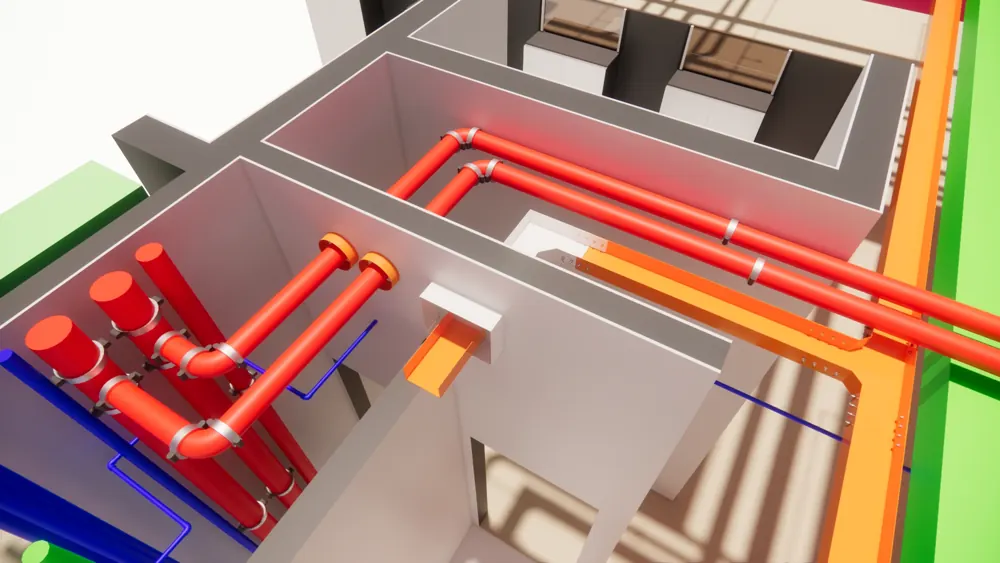
The acceleration solution for MEP systems focuses on responsive, user-friendly features, such as automatic drainage and water supply pipe connection, automatic ductwork connection, sprinkler connection, batch family creation, and automatic hanger generation
- Revit 2019 – 2025
- 7 tools included
- 30-day free trial
 7tools inside
Feature walkthrough
See S-MEP in action
6 real project scenarios. Pick one to see how it works.
 Feature 1 / 6
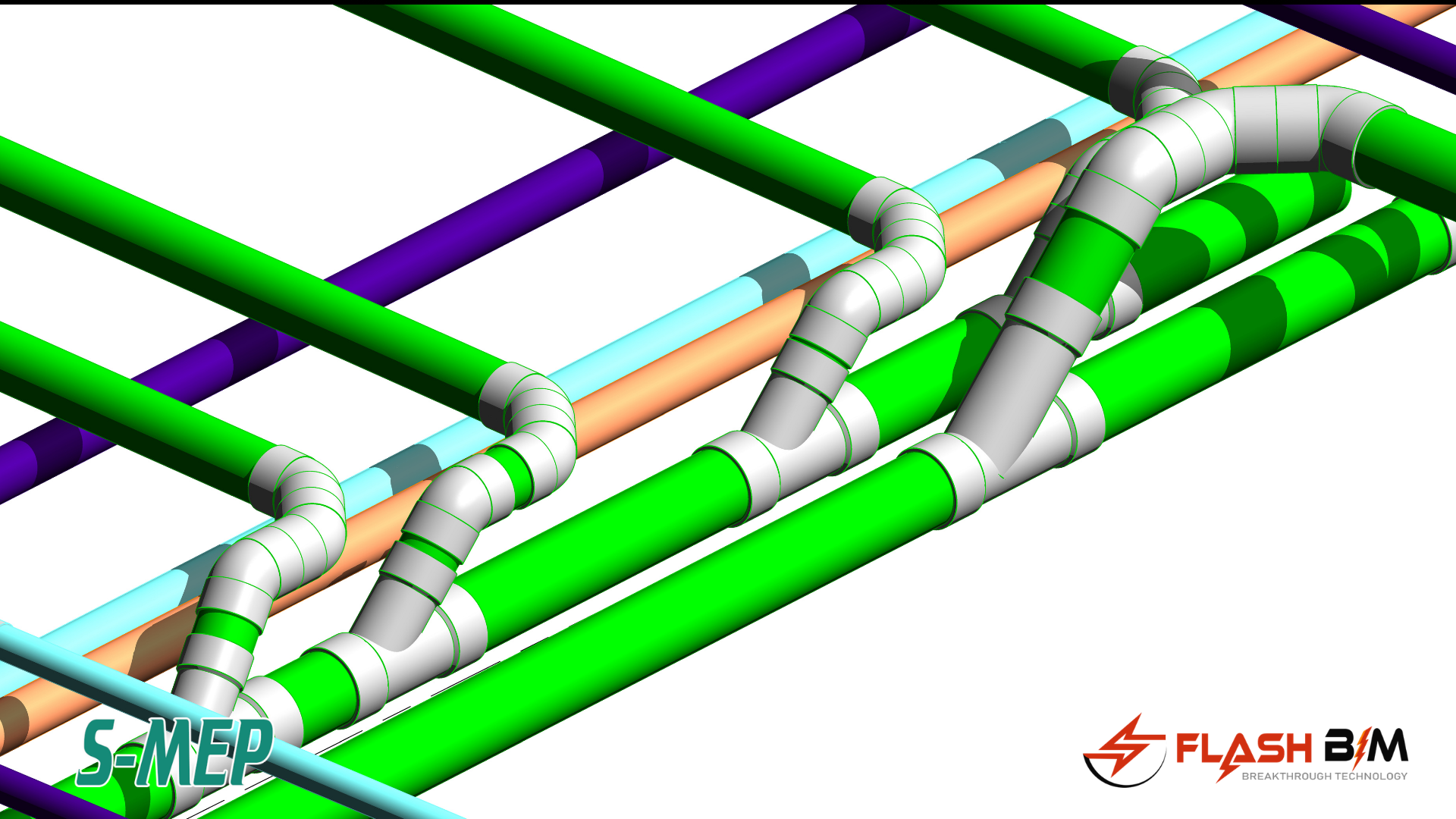
Auto Horizontal Drainage Piping Connection
Includes multiple auto-connection types, offering great flexibility to handle any internal connection scenario. It easily accommodates various pipe fittings and allows for effortless adjustments
7 tools. One ribbon tab.
Everything below is included in every S-MEP license. No add-on packs, no upsells.
- 01Smart Drainage Connection
- 02Auto Sprinkler Connect
- 03Auto Diffuser Connection
- 04Auto Place Family
- 05Auto Hanger Placement
- 06Smart Duct Connection
- 07Support Metric and Inches Unit
Get S-MEP
Buying 10+ licenses? Email [email protected] for a quote. Compare all plans →
Questions about S-MEP
How can I sign up for a free trial?
Please click the link below, fill out the form, and submit your request. Once received, we will activate your trial and send the license key to your registered email: https://flashbim.com/free-trial?product=98c249fe-2d4c-462a-8baf-ecafa4095483
How do I activate the Add-in?
Open Revit, navigate to the 'SM-Plumbing' tab, and click Login. Enter the key you received via email, then click Sign In to start using it.
Which Revit versions are supported by this Add-in?
This Add-in supports Revit versions from 2022 to 2027.
Who can I contact if I need support?
You can reach us by email at [email protected] or submit a support ticket via our website. Simply log in and select 'Request Support'
License Types Offered by FlashBIM?
We offer Single-User Licenses (1 key) and Multi-User Licenses (multiple keys).
Can I use a single license on multiple computers?
Each license is valid for a single computer only
How can I purchase the Add-in?
Please click the link below to purchase the Add-in: https://flashbim.com/pricing?product=smep
Already a customer? User manual · Download installer · Renew or buy more licenses
Works great with
Try S-MEP free for 30 days.
All 7 tools unlocked. No credit card required.