
EZ Combine
Everyday MEP edits, free.
Combine Solution such as updown, left right, connect MEP Elements. To get user instructions, please hover over the command and press F1
- Revit 2019 – 2025
- All features included
- Free add-in
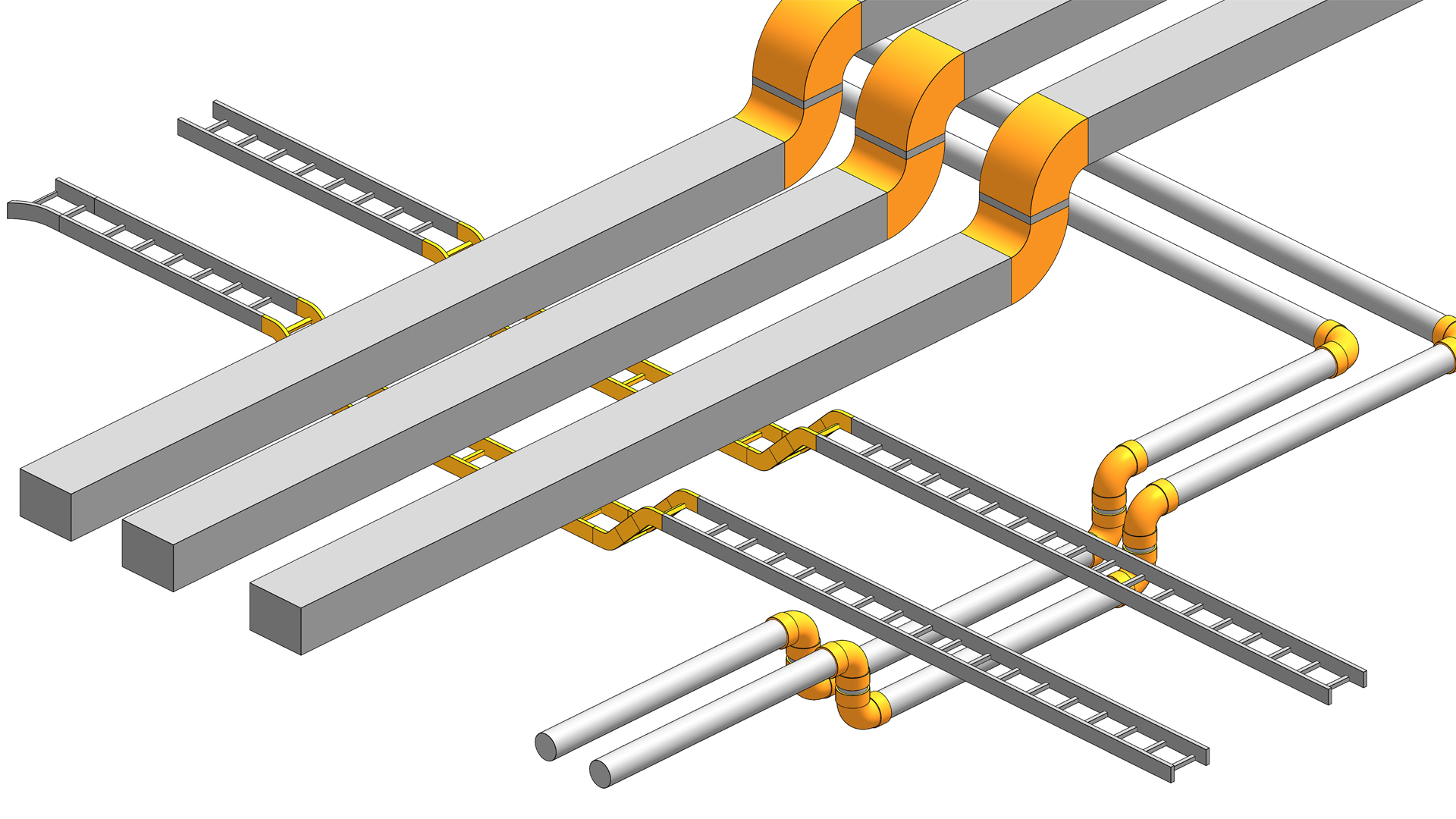
Feature walkthrough
See EZ Combine in action
2 real project scenarios. Pick one to see how it works.
 Feature 1 / 2
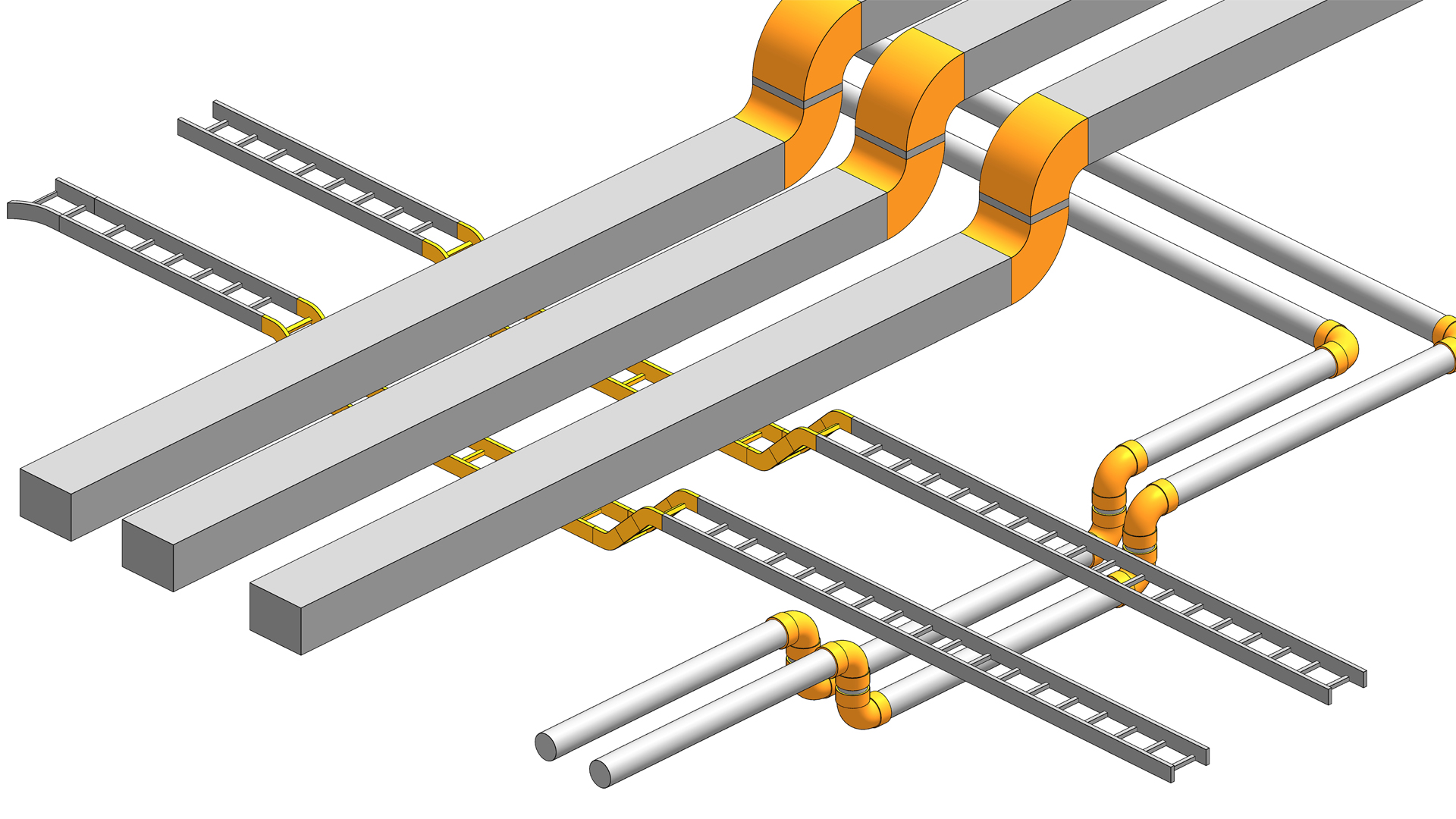
MEP Up/Down - Left Right
This feature enables quick pipe elevation changes by creating 2 or 4 elbows (at 45degree, 90degree), highly efficient for MEP coordination
Questions about EZ Combine
How can I register this addin?
Fill out the registration form via the link below. Once you receive your activation key by email, open Revit, go to the EZ Combine tab, click Login , and paste your key to get started https://flashbim.com/free-trial?product=d9eb942e-9c0c-40ce-92f1-f445c131a224
How long can I use this addin?
This is a completely free product, you can use it forever
What type of license is used for this Addin?
Because this is a free Addin, you only need to register to use it and you can use it forever
Which Revit versions does this add-in support?
EZCombine supports Revit 2022 through Revit 2027
Where can I download Family?
From the EZ Combine tab, select Download Family . Please note that you need to be logged in to download families.
Already a customer? User manual · Download installer
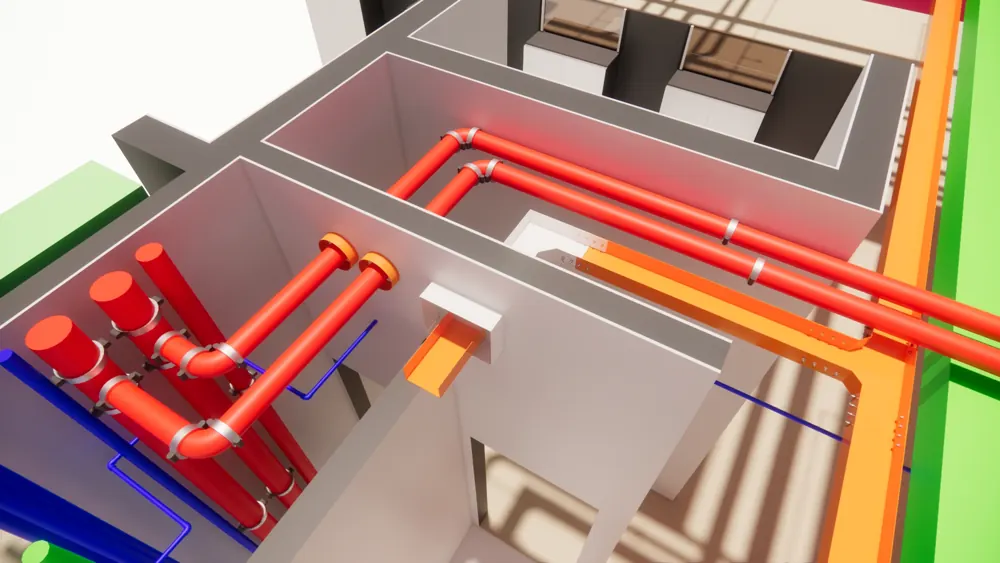
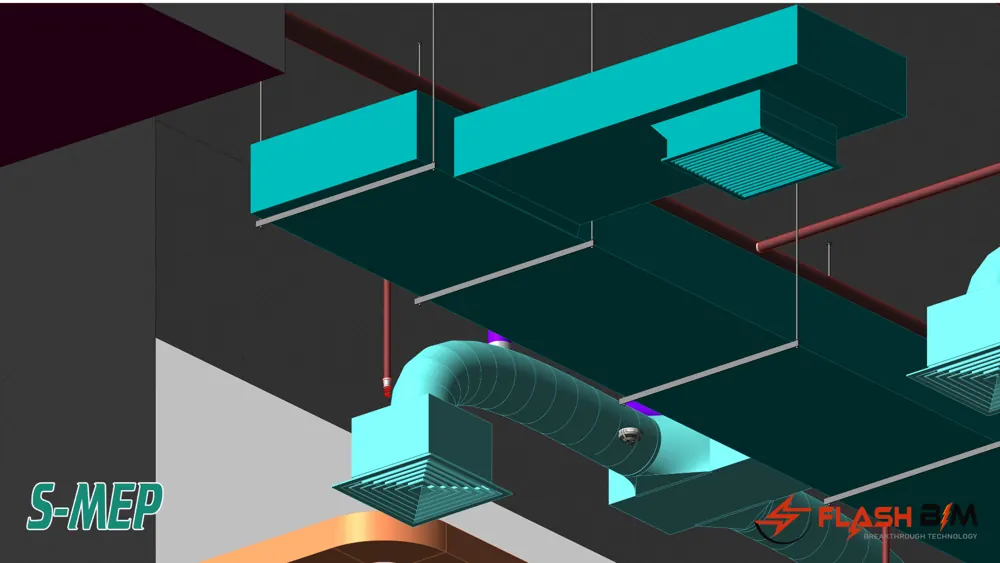
Works great with
Get EZ Combine free.
All features unlocked. No credit card required.